


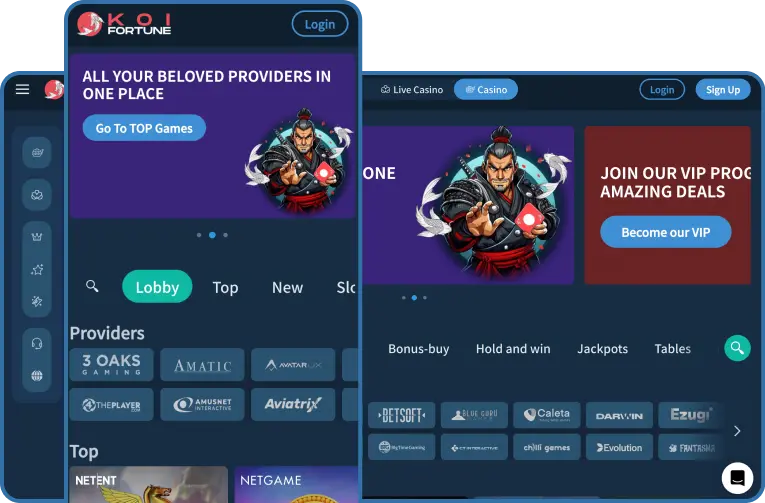
Downloading & Installing Made Easy
iOS Installation:
 iOS Installation:
-
01Open the App Store on your iPhone or iPad.
-
02Type «KoiFortune Casino» in the search bar.
-
03Hit «Get» and let your device handle the installation.
Android Installation
 Android Installation
-
01Open your browser and head over to KoiFortune’s official website.
-
02Find and download the KoiFortune APK file.
-
03Go to your phone settings and permit installations from unknown sources.
-
04Install the app by opening the downloaded file.

Unique Features & App Advantages
-
Play Anywhere: Jump into slots, live dealer tables, or sports bets anytime you feel like it.
-
Secure Transactions: Your money and data stay protected with advanced encryption technologies.
-
Superior Mobile Gaming: Games specifically crafted for optimal mobile performance.
-
Mobile-only Bonuses: Exclusive deals available only through the app.


Compatible Devices & Requirements
iOS Devices
-
項iPhone models (8 and newer)
-
項Recent iPads: Pro, Air, Mini (from 5th generation onwards)
-
項Minimum OS: iOS 13.0
-
項Recommended Specs:
RAM: 2GB or higher
Storage: At least 150MB of free space
Android Compatibility:
-
項Samsung Galaxy (S10 and later models)
-
項Huawei (P30 series and newer)
-
項Xiaomi (Mi 9 and upwards)
-
項Minimum OS: Android 8.0 (Oreo)
-
項Recommended Specs:
RAM: 2GB or higher
Storage: At least 150MB of free space
Want Instant Play Without Downloads? Use Your Mobile Browser!
Not a fan of downloading apps? KoiFortune offers a quick
solution—just open the casino website on your phone’s browser.
No downloads needed, and your phone stays clutter-free. You’ll
still have complete access to every game and feature. Dive
straight into slots, feel the thrill of live dealer tables,
or place bets on your favorite sports. And here’s the kicker:
mobile web players often get exclusive deals, making your
spontaneous play sessions even more rewarding. Manage all your
casino needs easily, including deposits, withdrawals, and
profile settings, directly through your browser. It’s fast,
straightforward, and completely secure.